
The Best Memory-Keeping Apps and Services to Preserve Your Story
Last updated July 11, 2026
"Memory-keeping app" covers a surprisingly wide range of very different tools — daily journals, family history archives, oral history recorders, shared photo timelines. Picking the wrong one for your actual goal is the most common reason these tools get downloaded once and never opened again. This is a category breakdown, not a single "best app" pick, because the right tool depends entirely on what you're actually trying to preserve.
If you want to preserve daily life: journaling apps
These are built for short, frequent entries rather than long reflective writing. The best ones remove friction almost entirely — a one-line-a-day format, a daily photo prompt, or a single notification asking one simple question. The value compounds over years: a single day's entry is forgettable, but five years of one-line entries becomes a genuinely moving record of how your life actually unfolded, in a way memory alone never preserves accurately.
Best for: people who want a long-term personal record but know they won't stick with anything that takes more than two minutes a day.
Not a fit for: capturing a specific relationship's history or a family's collective story — these apps are inherently solo and present-tense.
If you want to capture a person's whole story: oral history tools
A different category entirely, built around recorded conversation rather than written entries — usually structured around a set of guided questions asked to a parent, grandparent, or older relative, recorded and preserved as audio or video. These are particularly valuable because they capture something text can't: tone of voice, natural phrasing, laughter, pauses. The Sony ICD-UX570 works well for this if you'd rather not rely on an app or a phone's storage and battery mid-conversation: it's small, simple to start and forget about, and its built-in mic is good enough that most people skip buying a separate lapel microphone. It doesn't have the professional inputs a Zoom or Tascam recorder offers, but for a living-room conversation that's not a real tradeoff, and it tends to feel less intrusive than a phone screen during an emotional conversation.
Best for: preserving an older relative's story while they're still here to tell it — frequently cited as one of the most regretted "should have done it sooner" projects.
Not a fit for: capturing your own day-to-day life, or anything that needs to happen quickly — good oral history takes an unhurried sitting, not a rushed ten minutes.
If you want to organize decades of family photos: archival and family history platforms
These are built around large volumes of photos and documents spanning generations, with tools for tagging people, dates, and locations across thousands of images rather than the day-to-day journaling smaller apps are built for. They shine specifically when multiple family members are contributing photos from different sources, because they're designed for shared, ongoing collaboration rather than a single person's archive.
Best for: a family with a large, scattered photo collection across multiple people's phones, drives, and old albums, who want one shared, searchable home for all of it.
Not a fit for: a quick, casual project — these platforms have a real learning curve and work best as a slower, ongoing family effort rather than a weekend task.
If you want to share memories with one specific person: shared timelines and private group apps
A smaller, more relationship-specific category: private, invite-only spaces (rather than a public feed) where two people or a small group post photos and notes over time, building a shared timeline of a specific relationship. These work particularly well for exactly the situation this site is built around — two people who've reconnected and want a low-key, ongoing way to stay present in each other's lives without the pressure of a public platform.
Best for: a rekindled friendship or a long-distance family relationship where you want a lightweight, ongoing shared space, without either person needing to post publicly.
Not a fit for: solo memory-keeping, or anyone who'd rather keep things fully private and not shared in real time.
If you want something purely physical: no app at all
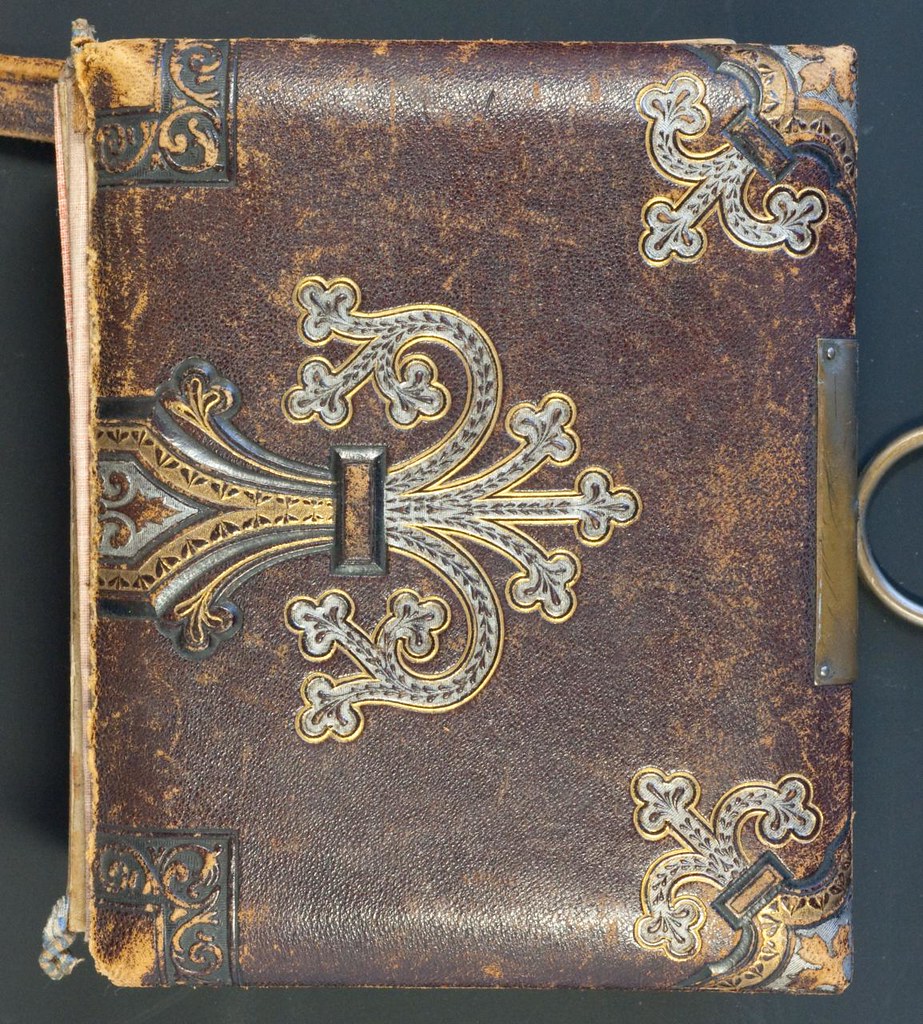
It's worth saying plainly: not every memory-keeping project needs software. A keepsake box, a letter, or a printed Mixbook photo book accomplishes the same underlying goal — making a memory tangible and revisitable — without any subscription, account, or risk of a company shutting down and taking your archive with it. For a lot of people, the app is genuinely the wrong tool, and a shoebox is the right one.
The one rule that matters more than which app you pick
Whatever tool you choose, treat it the same way you'd treat any other important file: assume it could disappear. Apps get discontinued, companies get acquired and shut down, subscriptions lapse. Periodically export your data — most reputable memory-keeping tools offer a data export option specifically because they expect you to want a backup independent of their platform. Keep that export somewhere durable, ideally on a WD My Passport as well as in the cloud — it's the drive most commonly recommended for this because it's inexpensive per terabyte, though as a mechanical drive it's worth keeping somewhere it won't get dropped. The best memory-keeping tool is the one whose contents you'd still have even if the company behind it vanished tomorrow.
Frequently Asked Questions
What's the best memory-keeping app overall?
There isn't a single best one — the right tool depends entirely on what you're preserving. Journaling apps suit daily life, oral history tools suit a relative's life story, family archive platforms suit decades of scattered photos, and shared timeline apps suit one specific relationship.
How do I record an older relative's life story?
Use a guided set of questions and a simple, unobtrusive recorder rather than a phone that might run out of storage or battery mid-conversation. Oral history projects are frequently cited as one of the most regretted “should have done it sooner” tasks, so starting imperfectly beats waiting for the ideal setup.
What happens to my memory-keeping app if the company shuts down?
Treat any app the same way you'd treat an important file: assume it could disappear. Export your data periodically — most reputable tools offer this specifically because they expect you to want an independent backup — and keep that export somewhere durable, ideally both in the cloud and on a physical external drive.
Do I need an app at all to keep memories?
No. A keepsake box, a handwritten letter, or a printed photo book accomplishes the same goal — making a memory tangible and revisitable — without a subscription or the risk of a company disappearing and taking your archive with it.